Connect to the Internet
Installation Guide
Let's make sure you have internet connection.

Using your phone camera, scan the QR code located on the bottom of your router.

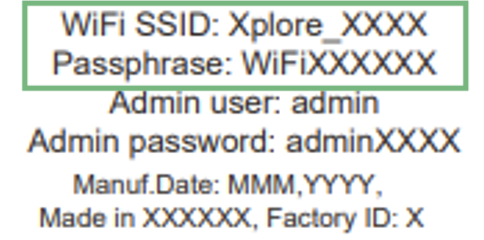
Or connect to the WiFi using the SSID and passphrase found either on the bottom sticker of your Xplore Hub, or in the copy included in the box

Once you're connected, launch your web browser and navigate to your favourite webpage to test your connection.
Next
I can't connect to the Wifi