Connect ethernet cable
Installation Guide
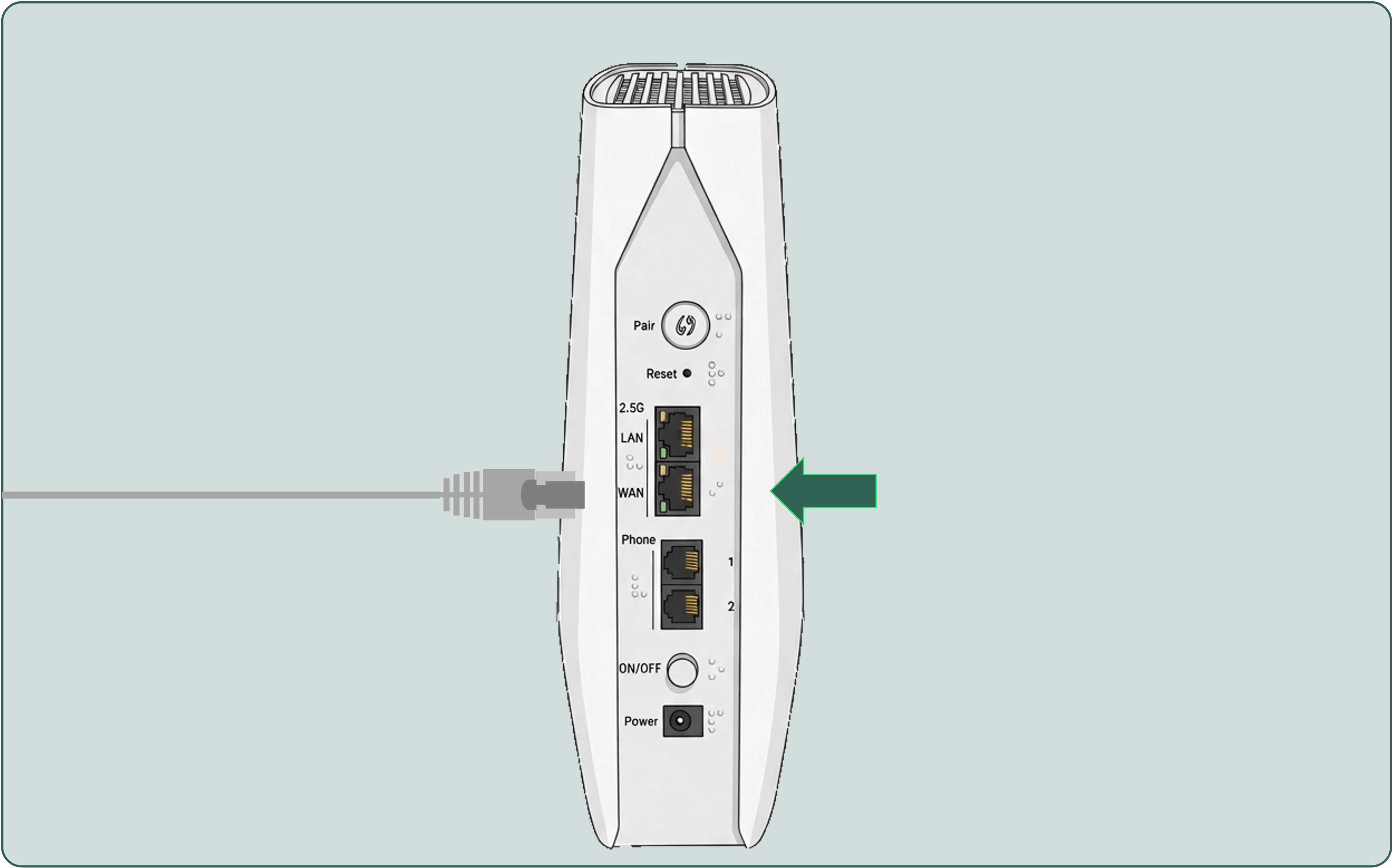

Locate the ethernet cable that is connected to your internet source (modem/ethernet POE/ optical network terminal).
If there is no ethernet connected, take the provided ethernet cable and connect it to the available internet port on your internet source
If there is no ethernet connected, take the provided ethernet cable and connect it to the available internet port on your internet source

Take the other end of the ethernet cable and connect it to the WAN port on the back of the router. You should here a 'click' once connected.
Next