Power on the Xplore Hub
Installation Guide
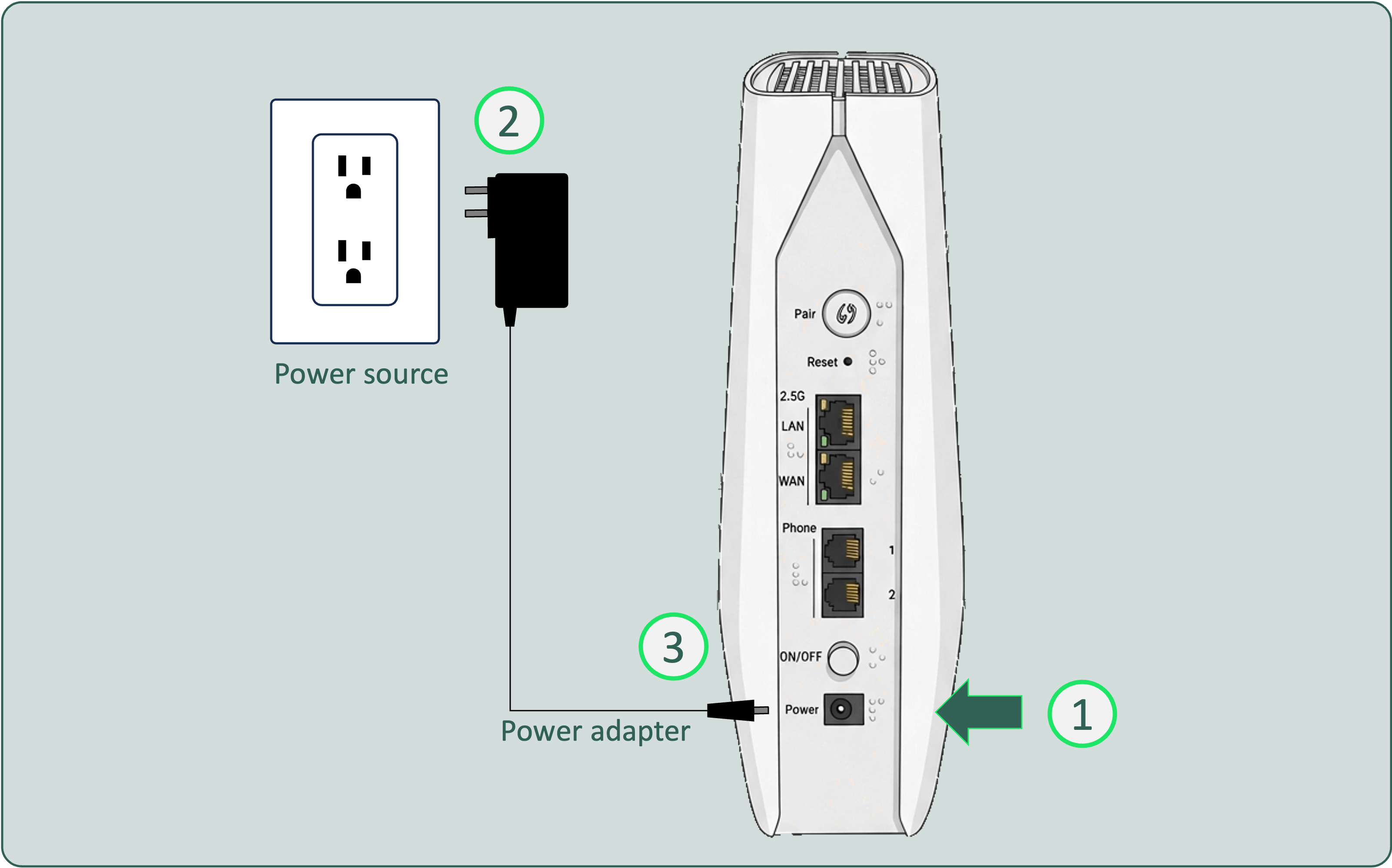

Connect the end of the power adapter to the power port on the back of your Xplore Hub.

Plug the other end of the power adapter into a nearby power source.

Press the power button on the back.
You will see the front LED light up
You will see the front LED light up
Next